If you’re on macOS, you can open man pages in a separate, nicely formatted, window by using the x-man-page URL scheme.
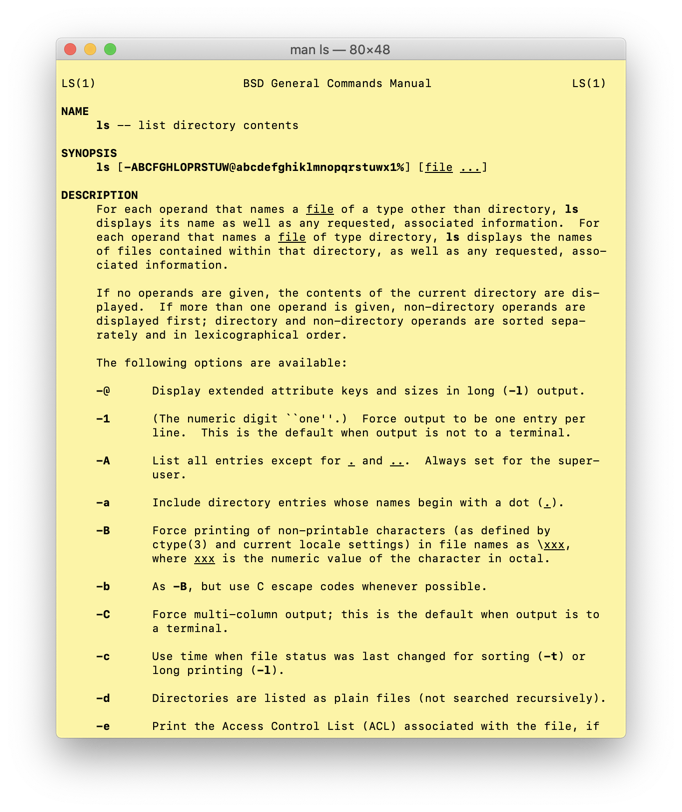
Typing x-man-page://ls, however, isn’t super convenient. This script lets you type xman command_one two... and open each page in a separate window. If it can’t find the command you asked for, it prints a message to stderr. Enjoy!
#!/usr/bin/env zsh

function xman() {
    for i in "$@"; do
        if [ $(command -v $i) ]; then
            open x-man-page://$i
        elif; then
            printf "Can't find command: %s\n" "$i" >&2
        fi
    done
}